 XMEye Docs
Switch Language
The XMEye app automatically follows your phone's system language, switching the interface to match whenever you change your device language.
The XMEye app interface follows your phone's system language automatically. When you change the language on your phone, the app language changes to match.
For example, if you set your phone's system language to English, the XMEye app interface is displayed in English as well.
Because the app follows your device language, there is normally no need to choose a language inside the app. To change the XMEye interface language, simply change your phone's system language in your device settings.
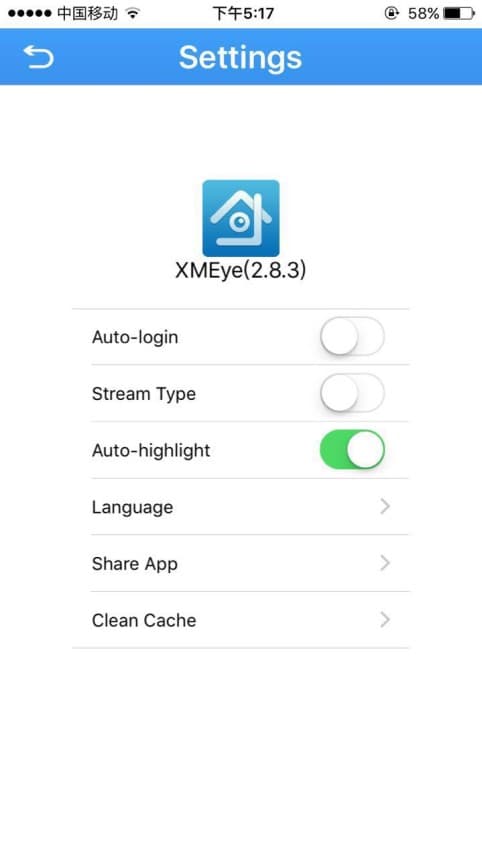
Language option in Local Settings
A Language entry is also available in the app's Local Settings. Open Local Settings from the main menu and tap Language to review the language option.