XMEye & XMEye Pro — Your Eyes, Everywhere
XMEye and XMEye Pro are free security camera apps for iOS and Android. Monitor your IP cameras, NVR/DVR systems, and video doorbells in real-time from anywhere in the world. Trusted by millions of users worldwide.
App Downloads
App Store Rating
Languages
Countries & Regions
Everything You Need for Smart Security
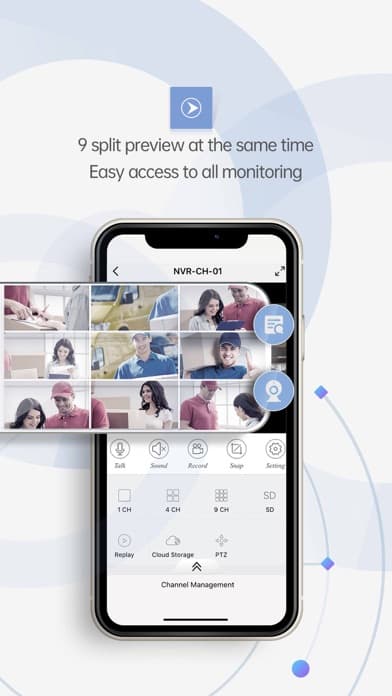
Real-Time Live View
Watch HD live streams from your XMEye cameras anytime, anywhere. Support multi-screen viewing for monitoring multiple cameras simultaneously with smooth playback.
Smart Motion Detection
Receive instant push notifications when motion is detected. Customize detection zones and sensitivity levels to reduce false alarms and stay informed.
PTZ Control
Full pan, tilt, and zoom control right from your phone. Cover every angle of your space with precision remote control for complete coverage.
Night Vision
Crystal clear night vision with infrared technology. See clearly in complete darkness up to 30 meters, ensuring round-the-clock protection.
Two-Way Audio
Talk and listen through your camera with built-in speaker and microphone. Communicate with family, greet visitors, or deter intruders remotely.
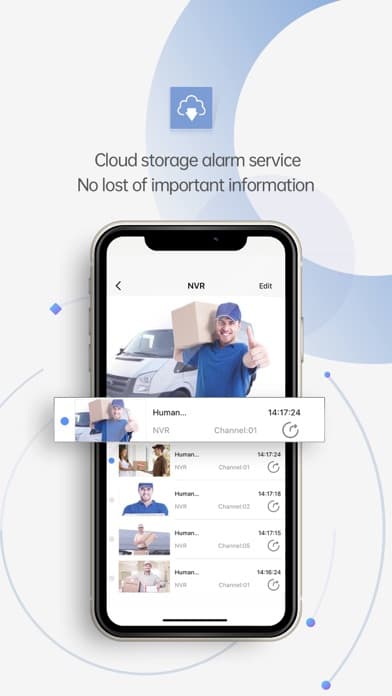
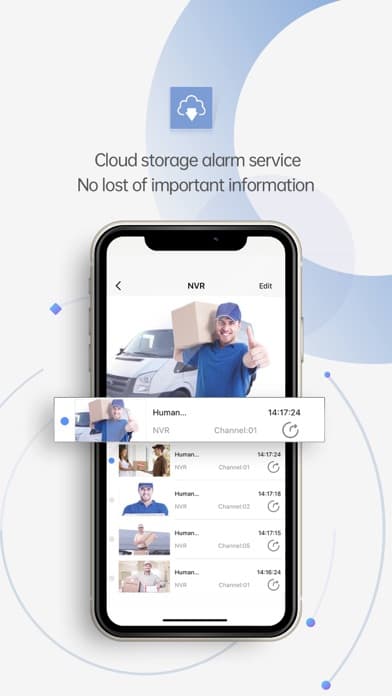
Cloud Storage
Secure cloud storage for all your recordings. Access footage from anywhere without worrying about local storage limits or SD card failures.
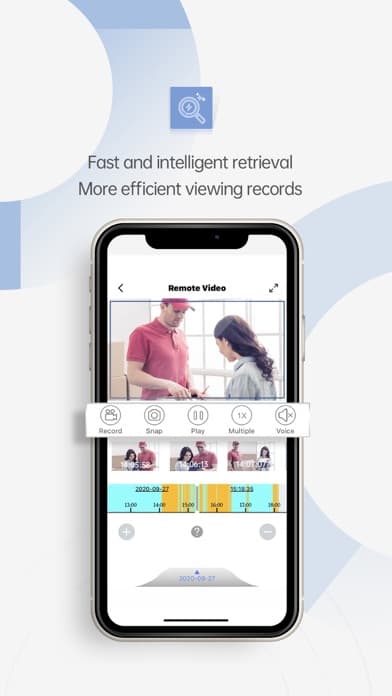
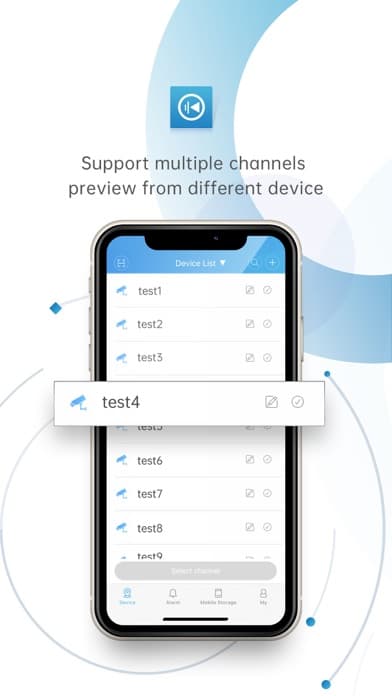
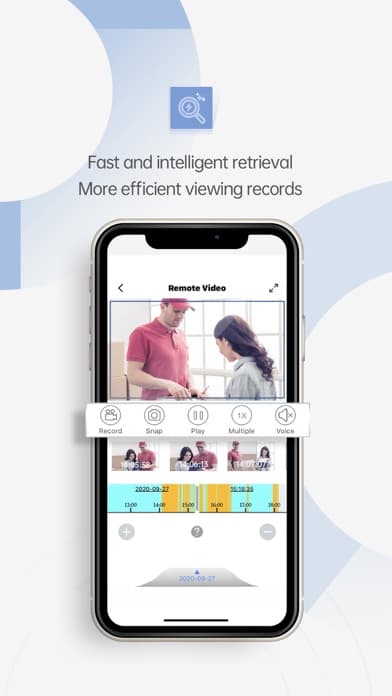
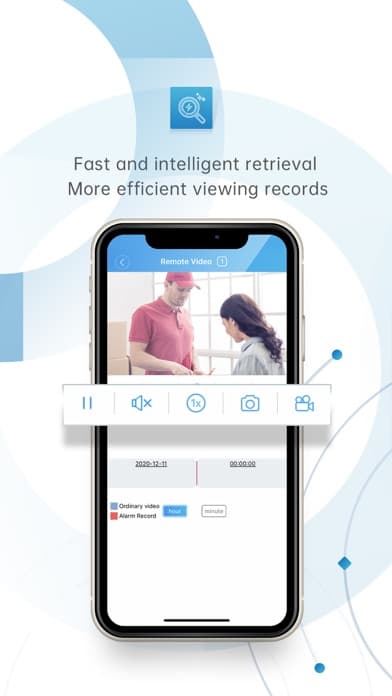
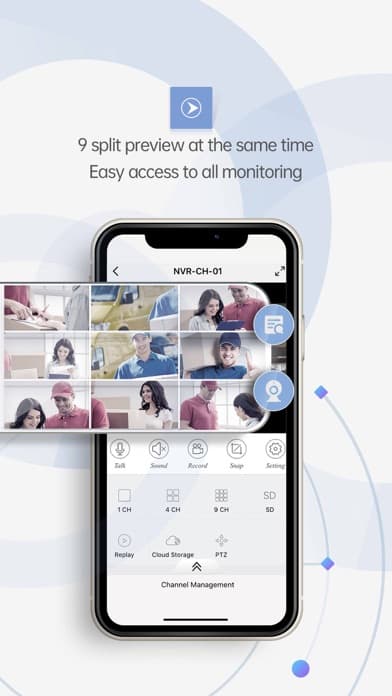
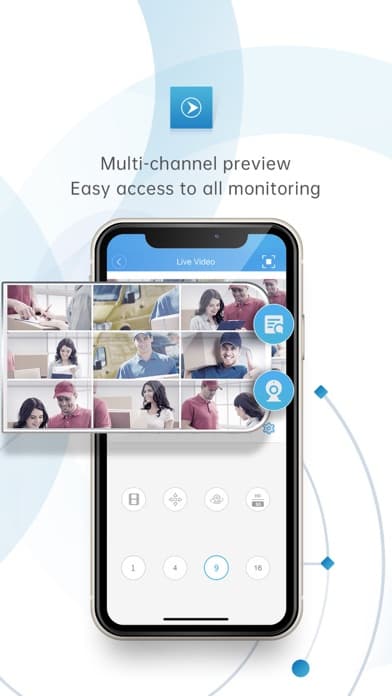
Experience the XMEye App Interface
Intuitive design for seamless camera management. View live feeds, playback recordings, and manage all your devices from one powerful app.
Discover How XMEye Protects What Matters Most
Home Security
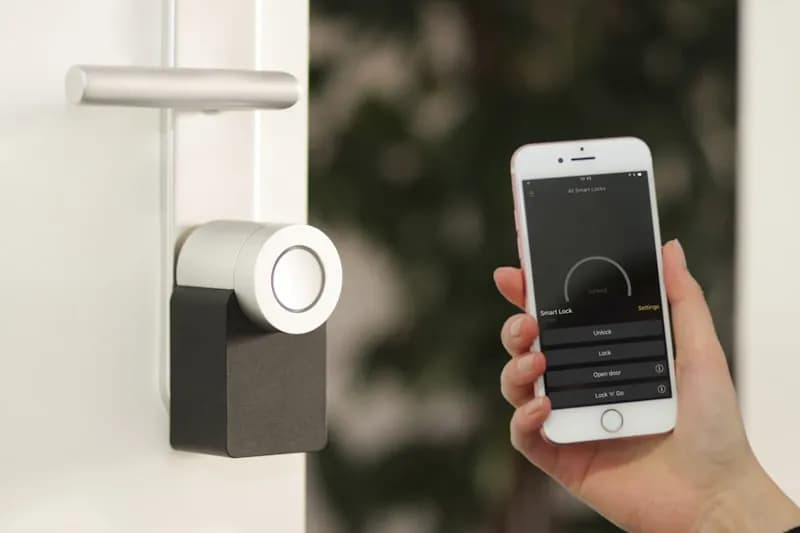
Keep your family safe with 24/7 home monitoring. Get instant alerts when motion is detected and watch live video from anywhere in the world.
- Real-time motion detection alerts
- Night vision monitoring
- Remote access from anywhere

Baby & Pet Monitoring
Watch over your little ones and furry friends with peace of mind. Crystal clear video and sound let you check in anytime, day or night.
- HD live streaming
- Sound detection alerts
- Two-way audio communication

Business Security
Protect your business assets and monitor premises remotely. Multi-camera support lets you watch every corner of your property.
- Multi-camera viewing up to 16 channels
- Cloud video recording
- Device sharing for team access
Find Answers to Common Questions
Troubleshooting Guides
Find solutions to common issues with your XMEye devices and app
Real Reviews from App Store & Google Play
“XMEye Pro has been reliable for monitoring my home cameras. Easy setup via QR code scanning and the live view quality is excellent. Great free alternative to paid security apps.”
SecurityFan2024
App Store Review
“Been using XMEye for over a year now with 4 cameras. The multi-screen view is perfect for keeping an eye on my entire property. Night vision is surprisingly clear too.”
HomeOwner_Mike
Google Play Review
“Perfect baby monitor! I can check on my baby from anywhere. The two-way audio is crystal clear and motion alerts wake me up instantly when there is movement.”
TechMom_Sarah
App Store Review
“Using XMEye for my retail shop. Can monitor all 8 cameras from one app. The remote playback feature helped me resolve a customer dispute. Highly recommended!”
SmallBizOwner
Google Play Review
“After trying several camera apps, XMEye works best with my NVR system. Video playback is smooth and I can download clips directly to my phone. Five stars!”
DIY_Security
App Store Review
“The PTZ control is so smooth! I can pan around my yard and zoom in on details from my office. Push notifications are instant when someone approaches my door.”
Amanda_R
Google Play Review
“XMEye Pro has been reliable for monitoring my home cameras. Easy setup via QR code scanning and the live view quality is excellent. Great free alternative to paid security apps.”
SecurityFan2024
App Store Review
“Been using XMEye for over a year now with 4 cameras. The multi-screen view is perfect for keeping an eye on my entire property. Night vision is surprisingly clear too.”
HomeOwner_Mike
Google Play Review
“Perfect baby monitor! I can check on my baby from anywhere. The two-way audio is crystal clear and motion alerts wake me up instantly when there is movement.”
TechMom_Sarah
App Store Review
“Using XMEye for my retail shop. Can monitor all 8 cameras from one app. The remote playback feature helped me resolve a customer dispute. Highly recommended!”
SmallBizOwner
Google Play Review
“After trying several camera apps, XMEye works best with my NVR system. Video playback is smooth and I can download clips directly to my phone. Five stars!”
DIY_Security
App Store Review
“The PTZ control is so smooth! I can pan around my yard and zoom in on details from my office. Push notifications are instant when someone approaches my door.”
Amanda_R
Google Play Review
“My grandson set this up for me. Now I can see who is at my door before answering. The picture quality is amazing and the XMEye app is simple enough for me to use daily.”
GrandpaJoe
App Store Review
“Being able to check on my home from anywhere in the world gives me peace of mind. XMEye works perfectly even on hotel WiFi overseas. Multiple camera support is great.”
Carlos_Martinez
Google Play Review
“I love watching my dogs while at work! The XMEye camera lets me check on them and even talk to them. They always perk up when they hear my voice through the speaker.”
PetLover_Kate
App Store Review
“Managing multiple rental properties is so much easier with XMEye. I can monitor all locations from one app. The device sharing feature lets tenants use their own cameras.”
PropertyMgr_Dan
Google Play Review
“Using XMEye as a baby monitor and it is perfect! The night vision lets me check on the baby without turning on lights. Motion alerts are reliable and instant.”
NewMom_Jenny
App Store Review
“We installed 16 cameras in our warehouse and XMEye handles them all flawlessly. The cloud storage option keeps recordings safe even if someone tampers with the DVR.”
WarehouseMgr
Google Play Review
“My grandson set this up for me. Now I can see who is at my door before answering. The picture quality is amazing and the XMEye app is simple enough for me to use daily.”
GrandpaJoe
App Store Review
“Being able to check on my home from anywhere in the world gives me peace of mind. XMEye works perfectly even on hotel WiFi overseas. Multiple camera support is great.”
Carlos_Martinez
Google Play Review
“I love watching my dogs while at work! The XMEye camera lets me check on them and even talk to them. They always perk up when they hear my voice through the speaker.”
PetLover_Kate
App Store Review
“Managing multiple rental properties is so much easier with XMEye. I can monitor all locations from one app. The device sharing feature lets tenants use their own cameras.”
PropertyMgr_Dan
Google Play Review
“Using XMEye as a baby monitor and it is perfect! The night vision lets me check on the baby without turning on lights. Motion alerts are reliable and instant.”
NewMom_Jenny
App Store Review
“We installed 16 cameras in our warehouse and XMEye handles them all flawlessly. The cloud storage option keeps recordings safe even if someone tampers with the DVR.”
WarehouseMgr
Google Play Review
Frequently Asked Questions About XMEye
XMEye is a free mobile security camera app developed by JF Tech (Hangzhou Jufeng Technology). It allows you to remotely view live video, play back recordings, receive motion alerts, and control PTZ cameras from your iOS or Android device. XMEye supports IP cameras, NVR/DVR systems, and video doorbells.
Download XMEye App Today
Monitor your home and business anytime, anywhere. Get the XMEye app for free on iOS and Android — no subscription required.