 XMEye Docs
Install the XMEye App
Download and install XMEye on Android or iOS — from Google Play, the App Store, xmeye.net, or your device supplier.
XMEye is the mobile surveillance client for your monitoring devices. It is available for both Android and iOS phones and tablets.
You can get the Android app in any of these ways:
- Search XMEye on Google Play and install it.
- Download it from xmeye.net.
- Get it from your device supplier — some packages include a QR code you can scan to install the app directly.
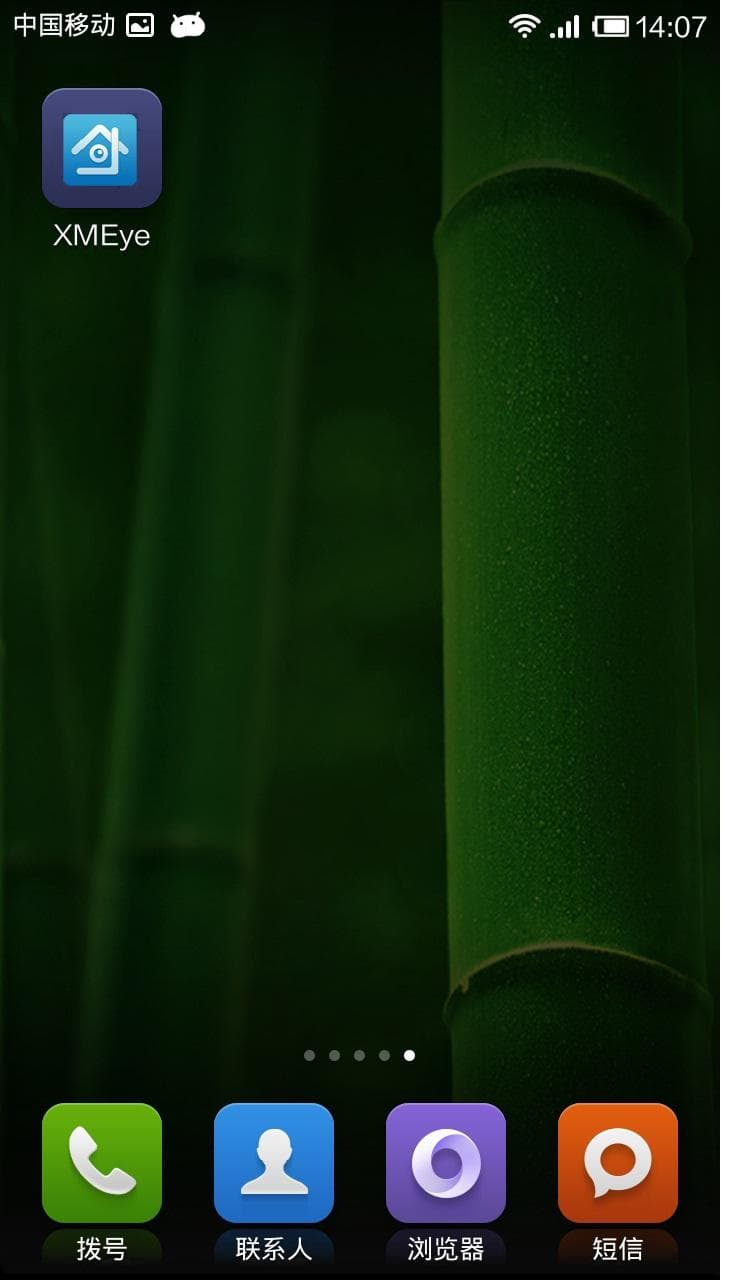
Android 4.1 or later is required. Once installed, the XMEye icon appears on your home screen.
You can get the iOS app in either of these ways:
- Search XMEye in the App Store and tap Download.
- Get it from your device supplier.
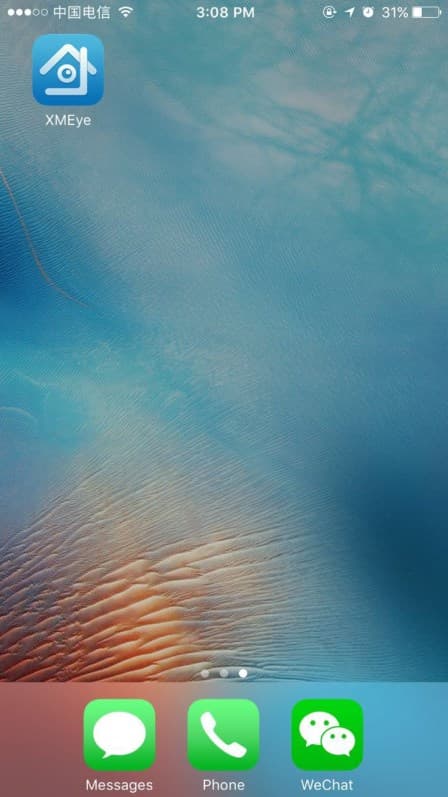
iOS 8.1 or later is required. Once installed, the XMEye icon appears on your home screen.
Tip
After installing, continue to Login & Add Device to sign in and connect your first camera or recorder.